
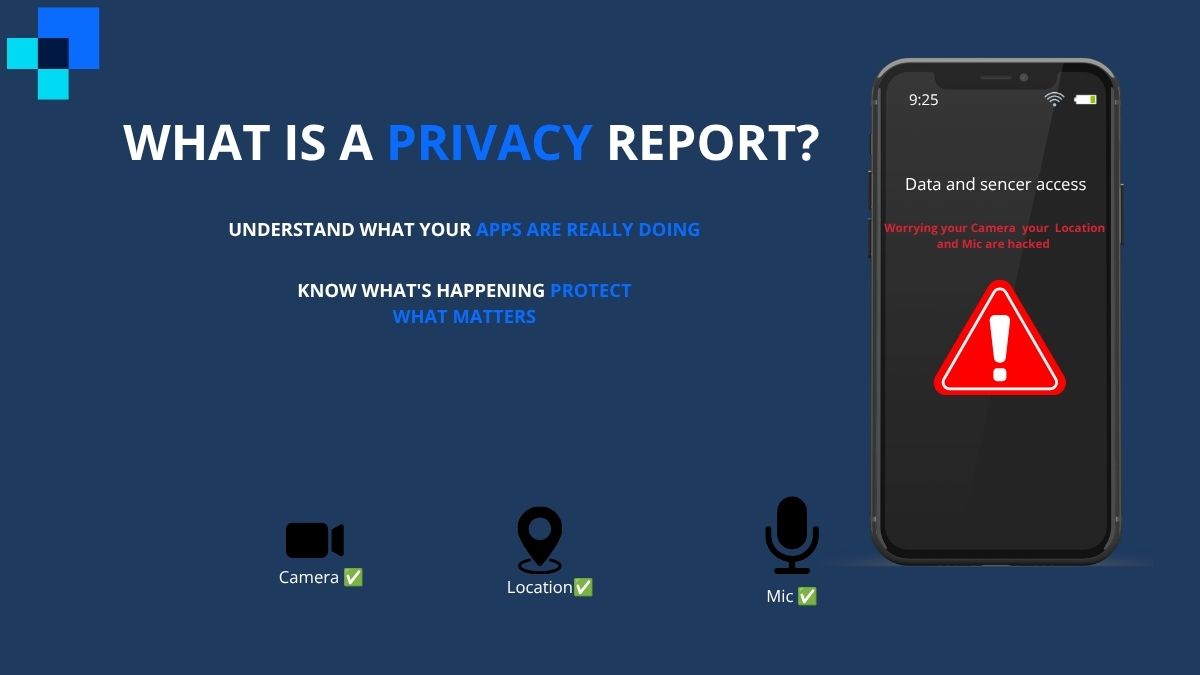
Every day, the apps on your phone are quietly doing things you never asked them to do. One app checks your location while you sleep. Another contacts dozens of third-party servers the moment you open it. Most people have no idea this is happening — and that is exactly the problem a privacy report is designed to solve.
A privacy report gives you a clear, readable breakdown of how your apps, websites, and devices are handling your personal data. It tells you who is accessing what, when, and how often. Once you know how to read one, it becomes one of the most powerful tools you have for protecting your digital life.
This guide explains what a privacy report is, the different types you will encounter, and exactly how to use one to take back control of your privacy.
What Is a Privacy Report?
A privacy report is a summary that shows how your personal data is being accessed, shared, or tracked by apps, websites, or digital services. Depending on the platform, it can show which sensors an app used (camera, microphone, location), which third-party domains received your data, and how frequently this activity occurred.
Privacy reports exist because data collection is largely invisible. Without a dedicated tool to surface this activity, most users have no practical way of knowing what is happening behind the scenes on their own devices.
The concept has grown significantly over the past few years as data privacy regulations like GDPR in Europe and CCPA in California pushed both governments and technology companies to be more transparent about how personal data flows. Today, privacy reports appear in multiple contexts — from a feature built into your iPhone to annual transparency documents published by major corporations.
Types of Privacy Reports
Not all privacy reports are the same. Here are the main types you are likely to encounter.
App Privacy Report (iPhone and iOS)
Apple introduced the App Privacy Report as part of iOS 15. It is a built-in feature that monitors and logs how apps on your iPhone behave in the background. It tracks sensor access, permission usage, and the third-party domains your apps communicate with.
Browser Privacy Reports
Browsers like Safari and Firefox generate their own privacy reports focused on website tracking. These reports show you how many trackers were blocked when you visited a website and which advertising networks were attempting to follow you across the web.
Corporate Privacy Reports
Many large companies — Google, Apple, Meta, Microsoft — publish annual privacy or transparency reports. These documents disclose how much user data was requested by governments, how data is stored, and what steps the company takes to protect it.
Third-Party Digital Privacy Reports
Organizations like the Electronic Frontier Foundation (EFF), Privacy International, and various cybersecurity firms publish independent privacy reports that analyze data practices across industries. These are useful for understanding the broader landscape of digital privacy rather than your personal device activity.
How to Access App Privacy Report on iPhone
If you have an iPhone running iOS 15 or later, you already have access to one of the most detailed personal privacy reports available on any consumer device. Here is how to find it.
Open the Settings app on your iPhone. Scroll down and tap Privacy and Security. Near the bottom of that menu, you will see App Privacy Report. Tap it to enable the feature if you have not already done so.
Once enabled, iOS begins logging app behavior in the background. After a day or two of normal phone use, you will start seeing meaningful data. The report is organized into several sections.
The Data and Sensor Access section shows which apps accessed your camera, microphone, location, contacts, photos, or media library — and exactly when. If a fitness app accessed your microphone at 2 AM, that shows up here.
The App Network Activity section lists every third-party domain that each app contacted. A simple weather app contacting 30 different advertising domains is a red flag. A banking app contacting only its own servers is what responsible behavior looks like.
The Website Network Activity section shows the same type of data but for websites you visited in Safari.
The Most Contacted Domains section gives you a ranked list of the third-party servers receiving data across all your apps combined. This is where you start to see patterns — the same advertising and data broker domains appearing across dozens of different apps.
What Does a Privacy Report Tell You?
Once you are looking at your App Privacy Report, here is what the data actually means.
Frequent location access from an app you rarely open is a sign that the app is tracking your movements for advertising or data broker purposes. There is rarely a legitimate reason for a flashlight app or a shopping app to know your location at all.
Microphone or camera access outside of the times you were actively using those features suggests either a bug or deliberate background surveillance. Both are worth investigating.
A long list of third-party domains in the App Network Activity section tells you that an app is sharing your data with advertisers, analytics companies, or data brokers. The more domains listed, the more parties are receiving information about your behavior.
Domains with names referencing analytics, advertising, tracking, or metrics — such as those from major ad networks — are particularly worth noting. These companies aggregate data across millions of users to build detailed behavioral profiles.
How to Use a Privacy Report to Protect Yourself
Reading the report is only half the job. Here is what to actually do with what you find.
Start by identifying any app that accessed a sensor you would not expect it to use. A recipe app has no legitimate reason to access your microphone. A calculator app has no reason to check your location. For any app behaving this way, go to Settings, find the app, and revoke the specific permission.
Next, look at the App Network Activity section and flag any apps contacting an unusually high number of third-party domains. A social media app contacting 50 domains is expected. A simple utility app doing the same thing is not. For apps with excessive third-party connections that you do not use regularly, deletion is often the cleanest solution.
For websites, use the browser privacy report in Safari or Firefox to identify which sites are loading the most trackers. Consider installing a content blocker for sites that consistently attempt to track you across the web.
Review your report at least once a month. App updates can change behavior, and new permissions can be quietly added over time. What was clean three months ago may not be clean today.
Privacy Reports for Websites
When you browse the web in Safari on iPhone, iPad, or Mac, the browser automatically blocks cross-site trackers using Intelligent Tracking Prevention. The Safari Privacy Report surfaces this activity visually.
To access it on iPhone, tap the AA icon or the page settings icon in the Safari address bar while on any website. Tap Privacy Report. You will see a count of trackers blocked on that page and a breakdown of the tracking networks involved.
On desktop Safari, click the Shield icon in the address bar to see the same information.
Firefox on desktop offers a similar feature through its Enhanced Tracking Protection. Click the shield icon to the left of any URL to see which trackers Firefox blocked on that page, organized by category — social media trackers, cross-site tracking cookies, fingerprinters, and cryptominers.
These browser-level reports are useful for making quick decisions about which websites to trust. A news site blocking 40 trackers on every page load is worth reconsidering as a regular source. A privacy-focused site blocking zero is doing what it should.
Why Businesses Publish Privacy Reports
Corporate privacy reports serve a different purpose than the personal reports described above. They are transparency documents that companies publish — usually annually — to explain how they handle user data at an organizational level.
Under GDPR, companies operating in Europe are required to document and disclose their data processing activities. CCPA creates similar obligations for companies doing business in California. Corporate privacy reports are partly a compliance response to these regulations, but they also serve as a public trust signal for users who want to understand a company’s data practices before using its products.
When reading a corporate privacy report, there are a few things worth paying attention to. Look at how many government data requests the company received and how many they complied with. Look at whether they use end-to-end encryption for user data. Look at whether third parties — advertisers, partners, analytics providers — receive user data and under what conditions.
Companies that publish detailed, specific privacy reports with actual numbers and policies are generally more trustworthy than those that publish vague statements about being committed to user privacy. The specificity of the disclosure matters.
To find a company’s privacy report, search for the company name followed by “transparency report” or “privacy report.” Most major technology companies publish these annually on their websites.
Conclusion
A privacy report is not a complex technical tool reserved for security professionals. It is a practical, readable summary of something that directly affects everyone who uses a smartphone, a web browser, or any digital service.
The App Privacy Report on iPhone takes two minutes to enable and can immediately show you which apps are behaving in ways you would never have approved if you had been asked directly. The browser privacy reports in Safari and Firefox give you a real-time view of the tracking industry’s attempts to follow you around the web.
Most people will be surprised by what they find the first time they look. The apps you trust most are often the ones contacting the most third parties. The permissions you forgot you granted years ago are still being used today.
Check your App Privacy Report today. Revoke what you do not recognize. Delete what you cannot justify. It takes less than ten minutes and it gives you a clearer picture of your digital life than most people ever get.

I am a dedicated SEO Expert and Content Specialist with a passion for driving organic growth. With a deep understanding of link building, domain metrics, and on-page optimization, I help brands bridge the gap between technical search requirements and engaging user experiences. Whether it’s crafting SEO-optimized articles or managing complex backlink strategies, my goal is always the same: sustainable, high-ranking results.
Leave a Reply